
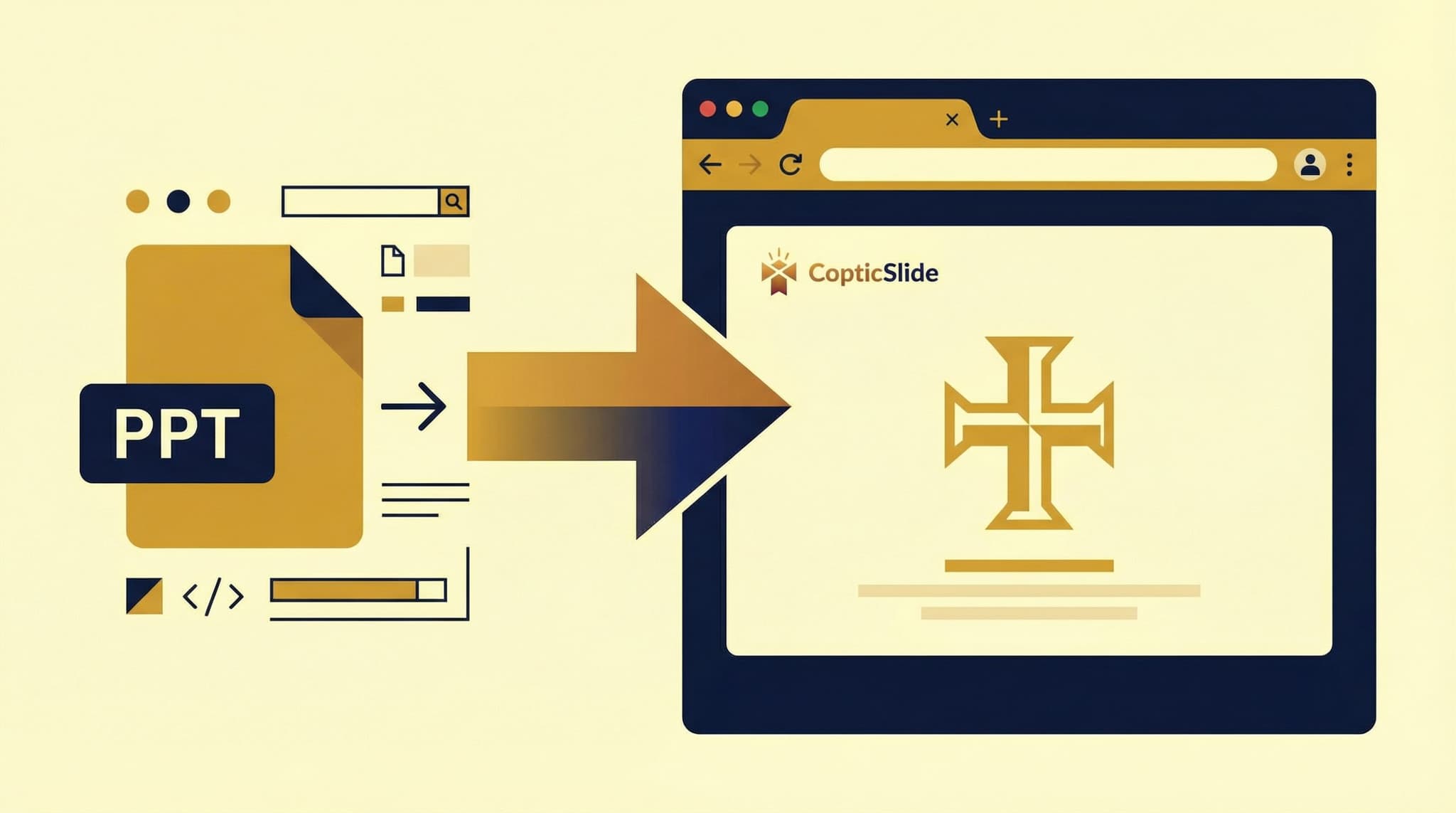
If your church has been using PowerPoint for worship presentations, you're not alone. PowerPoint has served churches well for decades. But in today's connected world, there are significant advantages to converting those presentations to online formats. This guide shows you how to make the transition smoothly.
Why Convert PowerPoint to Online?
The Limitations of Traditional PowerPoint
PowerPoint files come with several challenges for church use:
- Device dependency - Files only display correctly on computers with PowerPoint
- Version compatibility - Older files may not work on newer software versions
- Font issues - Custom fonts don't transfer between computers
- File size - Large presentations are hard to share
- No remote access - Congregation members can't access slides at home
- Single-device viewing - Only one person can present at a time
The Benefits of Online Presentations
Converting to online solves these problems:
- Universal access - View on any device with a web browser
- Easy sharing - Share with a link or QR code
- Always up-to-date - Everyone sees the latest version
- Remote participation - Those at home can follow along
- No software needed - Works without PowerPoint installed
- Mobile control - Present from your phone or tablet
How to Convert Your PowerPoint Files
Using CopticSlide
Converting your existing presentations is simple:
- Log in to CopticSlide - Create a free account if you don't have one
- Click "Upload" - Find the upload button on your dashboard
- Select your file - Choose your .pptx or .ppt file
- Wait for conversion - We automatically process your file
- Review and adjust - Make any needed tweaks
- Share - Your presentation is now online
The entire process takes just minutes, even for large presentations.
What Happens During Conversion
When you upload a PowerPoint file, CopticSlide:
- Extracts all slides as high-quality images
- Preserves your layout and design
- Maintains text readability
- Optimizes images for fast loading
- Generates thumbnails for navigation
- Creates shareable links
Supported File Types
CopticSlide accepts:
- .pptx - Modern PowerPoint format (2007 and later)
- .ppt - Legacy PowerPoint format
- .pdf - Portable Document Format
Converting PDF Files
Many churches have presentation archives in PDF format. These convert just as easily:
- Upload the PDF file
- Each page becomes a slide
- Review the conversion
- Your presentation is ready to share
PDFs are particularly common for:
- Hymn books and liturgy texts
- Historical presentation archives
- Documents from other churches
Optimizing Your Presentations After Conversion
Review Each Slide
After conversion, review your slides to ensure:
- Text is readable at all sizes
- Images display correctly
- Colors appear as expected
- Nothing is cut off at edges
Adjust for Different Screens
Online presentations may be viewed on various devices:
- Large projection screens
- Laptop computers
- Tablets
- Smartphones
Test your presentation on different screen sizes to ensure it works everywhere.
Add Missing Elements
Some PowerPoint features may need recreation:
- Animations (consider if they're needed)
- Embedded videos (re-add using our media tools)
- Interactive elements (simplify for web)
Preserving Your PowerPoint Archives
Bulk Upload
Have dozens or hundreds of presentations? CopticSlide supports bulk uploads:
- Select multiple files at once
- Upload them together
- Each becomes a separate presentation
- Organize with folders and tags
Organizing Your Library
Once converted, organize your presentations:
- By liturgical season - Advent, Lent, Pentecost, etc.
- By occasion - Weddings, funerals, feast days
- By type - Liturgy, hymns, youth, education
- By date - Weekly services, special events
Maintaining Both Formats
You don't have to abandon PowerPoint entirely:
- Keep original files as backups
- Edit in PowerPoint, then re-upload
- Use CopticSlide for presentation and sharing
- Export from CopticSlide back to PDF when needed
Best Practices for Church Presentation Conversion
Start with Your Most-Used Presentations
Don't try to convert everything at once. Begin with:
- This week's Sunday liturgy
- Your standard hymn collection
- Frequently used readings
Create a Conversion Schedule
Plan a gradual transition:
- Week 1-2 - Upload weekly liturgy presentations
- Week 3-4 - Add hymn collections
- Month 2 - Convert special occasion presentations
- Ongoing - Add historical archives as time permits
Train Your Team
Ensure everyone involved knows:
- How to upload new presentations
- How to share with the congregation
- How to use remote control features
- Where to find help if needed
Communicate with Your Congregation
Let members know about the change:
- Announce the new sharing links
- Explain how to access presentations at home
- Provide instructions for mobile access
- Share the benefits they'll experience
Troubleshooting Common Issues
Fonts Don't Look Right
PowerPoint fonts may not transfer perfectly. Solutions:
- Use web-safe fonts in original presentations
- Edit converted slides to adjust typography
- Use our built-in font options
Slides Look Different
Some design elements may shift. To fix:
- Review and adjust each slide
- Simplify complex layouts
- Use our design tools for polish
File Won't Upload
If upload fails:
- Check file size (50MB maximum)
- Ensure file isn't corrupted
- Try saving as a newer format
- Convert to PDF first
Images Are Blurry
If images appear low quality:
- Use higher resolution originals
- Avoid stretching small images
- Replace with better quality versions
Making the Most of Online Presentations
Features You Gain
After conversion, you unlock new capabilities:
- Shareable links - One click to share with anyone
- QR codes - Perfect for printed bulletins
- Embedding - Add to your church website
- Remote control - Present from your phone
- Analytics - See how many people view your presentations
- Collaboration - Multiple team members can edit
Enhancing Your Presentations
Once online, consider improving your presentations:
- Add our Coptic-themed templates
- Include liturgical imagery
- Improve color schemes for projection
- Add presenter notes
Getting Started Today
Ready to convert your first presentation?
- Create your free CopticSlide account
- Find a PowerPoint or PDF file to convert
- Upload it to your dashboard
- Review the converted presentation
- Share with your congregation
The transition from PowerPoint to online presentations doesn't have to be difficult. With CopticSlide, you can preserve your existing work while gaining powerful new features for modern worship.
Start converting your presentations now - it's free to begin.