
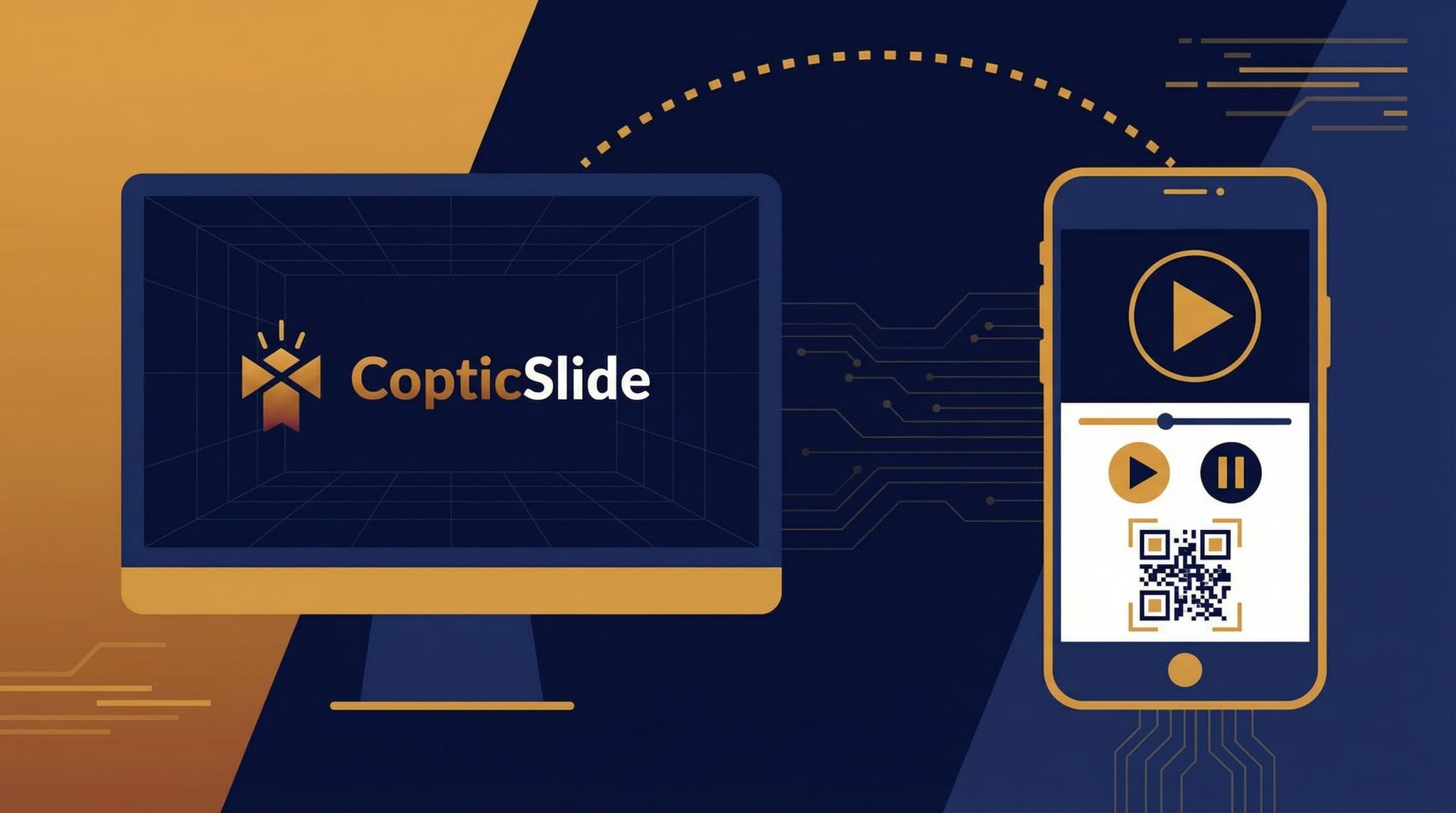
Imagine being able to control your church's presentation slides from anywhere in the sanctuary. No more being tied to a laptop, no more awkward signals to an operator, and no more missed cues. With CopticSlide's remote control feature, your phone becomes a powerful presentation controller.
Why Remote Control Matters for Worship
Traditional presentation setups have significant limitations:
- The operator problem - Someone must stay at the computer, often missing the service
- Communication gaps - Hand signals and whispers disrupt worship flow
- Timing issues - Delays between cues and slide changes break the rhythm
- Limited flexibility - Presenters can't move freely during worship
Remote control solves all these problems by putting slide control in the hands of those leading worship.
How CopticSlide Remote Control Works
Step 1: Start Your Presentation
Open your presentation on the main display computer and enter presentation mode. CopticSlide automatically generates a unique QR code for remote control.
Step 2: Scan the QR Code
Using your phone's camera, scan the QR code displayed on screen. This instantly connects your device to the presentation.
Step 3: Take Control
Your phone now shows a remote control interface with:
- Current slide preview - See exactly what's on screen
- Next slide preview - Know what's coming
- Navigation controls - Swipe or tap to advance
- Slide overview - Jump to any slide quickly
Who Benefits from Remote Control?
Chanters and Choir Directors
Move around the chanter's stand while controlling hymn lyrics. No more awkward reaching for a mouse or relying on someone else's timing.
Deacons
Process through the church during the Gospel reading while controlling the display. Lead responses from anywhere in the sanctuary.
Priests
Control scripture readings and sermon slides from the altar or pulpit. Focus on the congregation, not the technology.
Youth Leaders
Walk among students during teaching moments. Engage with your audience without being anchored to a laptop.
Sunday School Teachers
Move around the classroom while teaching. Keep children engaged without losing control of your visuals.
Features of CopticSlide Remote Control
Real-Time Synchronization
Changes appear instantly on the main display. There's no perceptible delay between tapping your phone and the slide changing.
Secure Connection
Each presentation generates a unique, time-limited connection code. Only those with the QR code can control the presentation.
Works on Any Device
The remote control works on:
- iPhones and Android phones
- iPads and Android tablets
- Any device with a web browser
No app installation required - it works directly in your mobile browser.
Offline Capability
Once connected, the remote control continues working even if internet connectivity is interrupted, as long as both devices are on the same local network.
Multiple Controllers
Need more than one person to control slides? Multiple devices can connect to the same presentation. Perfect for team-led worship.
Best Practices for Remote Control
Before the Service
- Test the connection - Verify remote control works before the congregation arrives
- Check battery levels - Ensure your phone has sufficient charge
- Enable Do Not Disturb - Prevent notifications from interrupting control
- Adjust screen brightness - Make your phone visible but not distracting
- Practice transitions - Rehearse key moments with the remote
During the Service
- Hold your phone discreetly - Keep it low and out of sight when possible
- Use swipe gestures - They're quieter than tapping buttons
- Anticipate transitions - Queue up the next slide before it's needed
- Have a backup plan - Know who can take over if needed
- Stay connected to WiFi - Maintain a stable connection throughout
For Chanters Specifically
- Position your phone on the chanter's stand for easy access
- Use the "next slide" preview to prepare for upcoming hymn verses
- Coordinate with other chanters on who controls slides
- Practice advancing slides while singing
Common Questions
What if my phone loses connection?
Simply scan the QR code again to reconnect. Your presentation continues uninterrupted on the main display.
Can the congregation see my phone screen?
The remote control interface is designed to be discreet. If you're concerned, reduce your screen brightness or position your phone away from the congregation's view.
What about phone notifications?
We strongly recommend enabling Do Not Disturb mode during services. A notification could cause an accidental tap or distract you at a crucial moment.
How far away can I be from the display?
As long as your phone is connected to the same WiFi network as the display computer, distance isn't limited. You could technically control the presentation from another building on the same network.
Can I control slides for someone else's presentation?
Yes, if they give you access. They simply need to share the QR code with you.
Setting Up for Success
Network Requirements
For the smoothest experience:
- Use a dedicated WiFi network for presentation equipment
- Ensure strong signal throughout the worship space
- Have a wired backup connection for the main display computer
Display Setup
- Position the QR code where presenters can easily scan it
- Consider displaying the code before the service begins
- Have the code available as a printed backup
Team Preparation
- Train all potential presenters on the remote control feature
- Establish clear protocols for who controls slides when
- Create backup plans for technical difficulties
Getting Started
Ready to experience the freedom of remote-controlled presentations?
- Create a CopticSlide account - Free to start
- Upload or create your first presentation
- Start the presentation on your display computer
- Scan the QR code with your phone
- You're in control!
Transform your worship experience with technology that supports rather than hinders your ministry. Get started today.
Tips from Churches Using Remote Control
"As a chanter, I used to struggle with reaching the laptop while trying to maintain proper posture for singing. Now I keep my phone on a small stand and control everything with a quick swipe." - St. Mark's Coptic Church
"Our youth leader walks among the students during lessons, engaging with them while still controlling the presentation. It's transformed our youth meetings." - St. Mary's Coptic Church
"We have multiple deacons who share slide control duties. During processions, whoever is in the best position takes over. It's seamless." - Archangel Michael Coptic Church