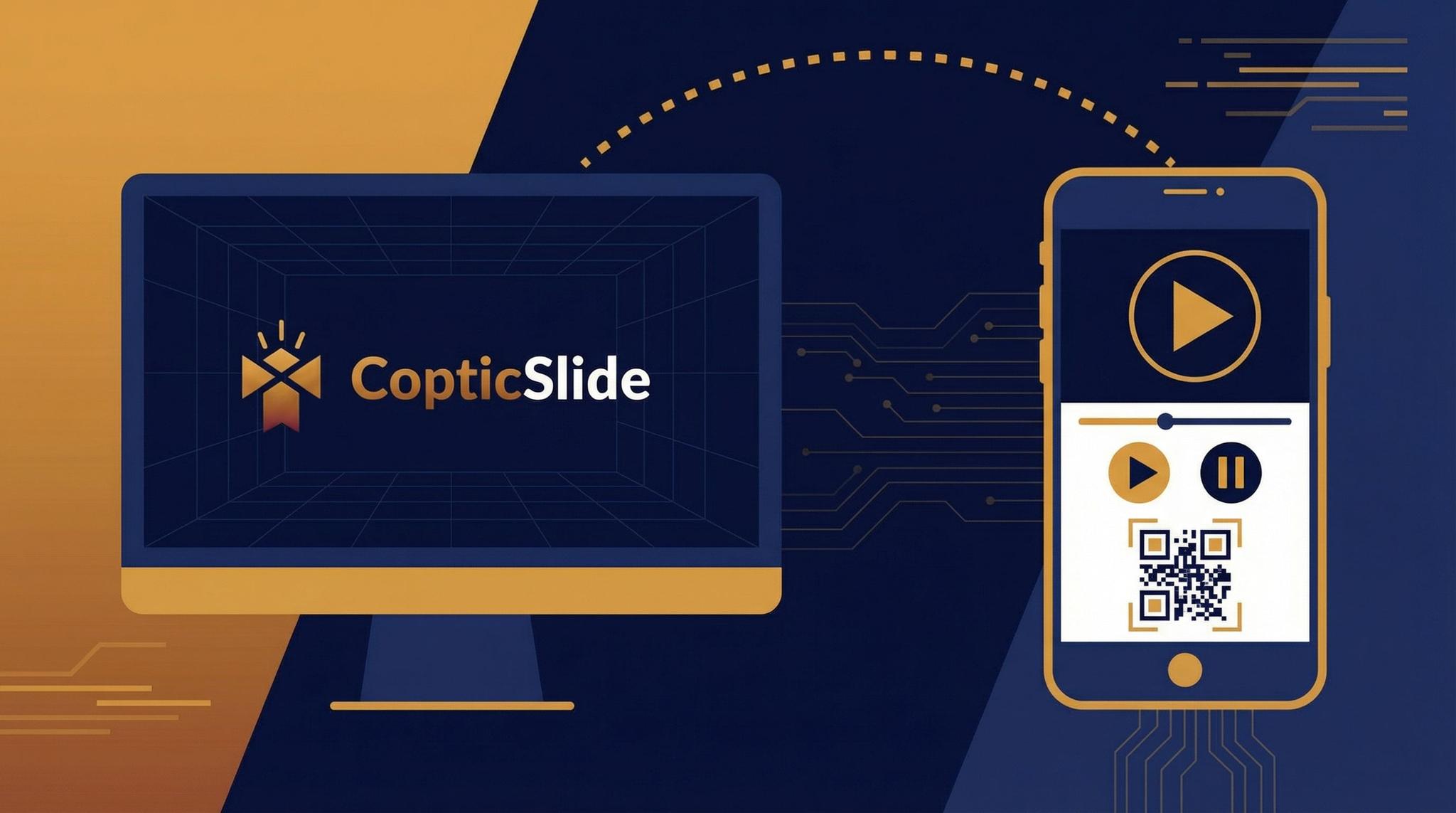
The servant who looks after the screen does not have to sit at the church computer. With the phone remote, the same servant can stand where the service is heard clearly and still move every slide. This guide explains how to set it up, what the phone shows, and what to keep in mind.
Set it up
- Open what you want to present on the church computer.
- Choose Remote Control. A QR code appears, with a link beside it.
- Scan the code with your phone's camera. The remote opens in the phone's browser. There is nothing to install.
Do this before the service starts, and move one slide forward and back to see that the phone and the screen agree.
What the phone shows
- The number of the slide on the screen, and how many slides there are.
- Next and Previous. You can also swipe.
- Black and White, to cover the screen, and Clear to bring the slide back.
- Jump to Slide, to go straight to a slide by its number.
The phone does not show a picture of the slide. Stand where you can see the screen, or keep a note of the slide numbers where each part of the service begins.
Who holds the remote
One servant: the one responsible for the screen that day. The remote is there so that everyone else can pray without watching a computer. It is not for the priest or for the deacons at the altar.
Anyone who has the code can move the slides, so show it only to the servant who needs it.
What the remote needs
The phone remote works through the internet. If the connection drops, the slide stays where it is, and the phone moves it again once the computer and the phone are both back online.
Keep the keyboard of the church computer within reach all the same. The arrow keys move the slides, and B turns the screen black.
For those who need to see, not to move
The deacons, or the servant who runs the livestream, often need to see the words without touching them. In the same Remote Control panel, when you are signed in, Share this screen gives:
- a deacons' screen, for another computer or a TV, which shows what is on your screen as it changes;
- a stream page, which puts the words over a transparent background for the livestream.
Neither of them can move the slides. They also go through the internet.
A short checklist
- Charge the phone, and turn off its sounds.
- Connect before the service, not during it.
- Keep the screen in sight.
- Leave the keyboard free, in case the internet drops.
The phone remote is part of the Free plan. To try it now, open any text in the hymn library, choose Present now, and scan the code.